
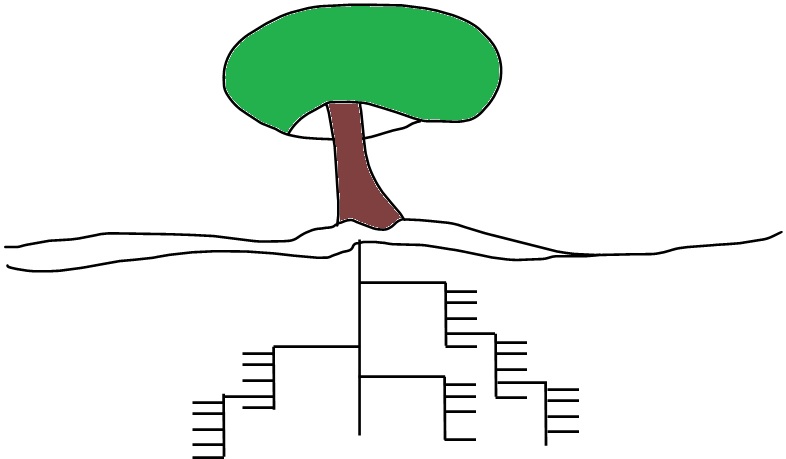
I spent many years in Southern California, so I have been introduced to palm trees, they grow quickly and everywhere. The amazing thing to me about palm trees is the root system – it grows out horizontally instead of deep down in the soil. This means that transplanting or removing a palm tree is a pretty simple affair, as opposed to, say, the Hackberry tree found in Texas. These trees, also called “bird poop trees” (for multiple reasons) also grow quickly and everywhere, but the root system goes deep. Long after you have removed the tree, ground the stump and filled the hole with new sandy loam, mushrooms sprout. That dang root system just continues to cause grief for years after as nature finds bits deep in the soil and returns it to compost. Or mushrooms.
Now let’s talk about computer directories.
If you think about a top-level directory as a plant, the root structure for that should serve a purpose. There should be value in anything you build, especially if others are expected to use it. That value is the important thing. Obviously Human Resources doesn’t want their personnel files to be in the same directory with company newsletters, and accounting probably wants to remain separate from sales. The big “chunks” of directory structure pop up right away. So, there is value in creating directories to prevent unintended accidents, or where there is a chance two uses might use the same file name. there is value where the directory might want to be complete so it can be relocated or destroyed simply and quickly.
Outside of this, there is more value in keeping the directory flat, low, and horizontal. If all files are in a single directory searching becomes simple and fast. And most important, it prevents file duplication. So many folk love to develop root structures in the directories. This sub-directory is for last year, the previous year has its own as well. Make a sub-directory for this kind of image versus that kind of image. I have seen root systems get down right Machiavellian – five to twelve levels to get to a document.
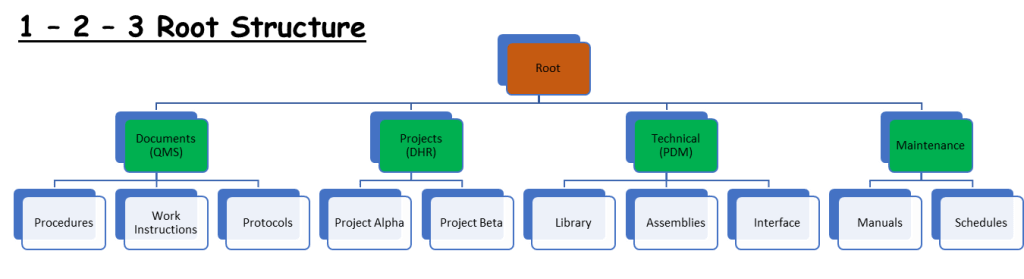
Here’s an example of what I call a 1 – 2 – 3 root structure. The Root directory lists the core separations – in the example the Root contains information based on type, but if your directory so for a specific department you might want the breakdown to be be specialty. The second level provides delineation based on some other consistent criteria – or not! Perhaps further delineation makes no sense. The common impulse is to delineate by year – this is only valuable to folks who were here that year. Since the structure is supposed to help everyone – especially new folks – using the year as a structure is not helpful. Education systems are the one place where there might be value in this.
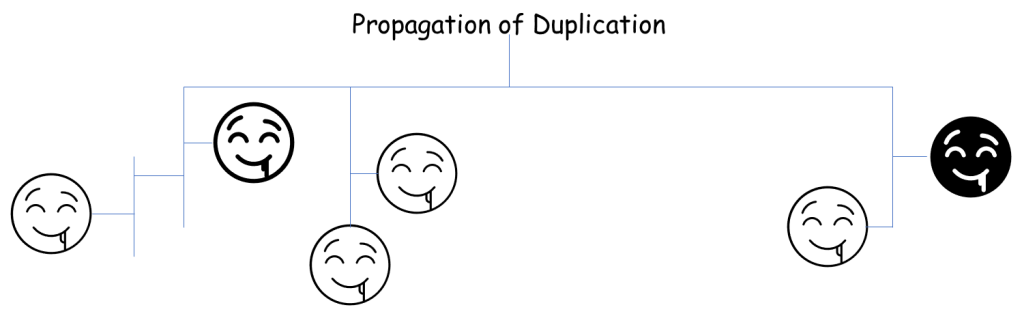
Proponents of deep root systems like to point out that Microsoft Explorer allows you to search for a file using the search function. They like the root system because it makes it easier for them (often one individual) to find things. Microsoft Explorer search function works well in a flat file too – and a flat file prevents file duplication. Deep roots seem to actually promote file duplication.
Keep it simple.
As the dinner starts and the guests arrive, I find it helps in a big way to have a directory structure that is as dead simple as it can be. The new kid will want to find a drawing, she should find it in a directory called “drawings”. It might help Shelby, the person who made the drawing in 1998 for an IBM job, to know that this particular drawing is in a directory called “engineering\development\Shelby\IBM\AutoCAD\1998\released”, but in the end it is a drawing, and Shelby left the company in 2001. The new engineer might get frustrated when the Microsoft search turns up five versions of the same file name, each buried under similar roots.
In your team or your company, take time to think about the folks who use your data. Kind of like the notion that an author writes a book to entertain the reader, a data management person – whether you’re an engineer or an accountant or a document control person – should think through the folk who will use the data in the end. Avoid time references, since new people have no idea when things were done in the past. Avoid personal collections, keep that to yourself. By the way, if you truly love a deep and rewarding directory root structure you should build it in your own computer. Shared root structures should be simple, simple, simple.
It’s good to not overthink a thing.
 sigmakatadojo.com